Case Study
Oil for the Journey: Reflective Writing Platform
Most writing products optimise for speed and attention. I built Oil for the Journey to solve a different problem: a calm, reliable space for drafting and publishing reflective long-form content. I owned full stack delivery, from auth and data flow to responsive UI and deployment.
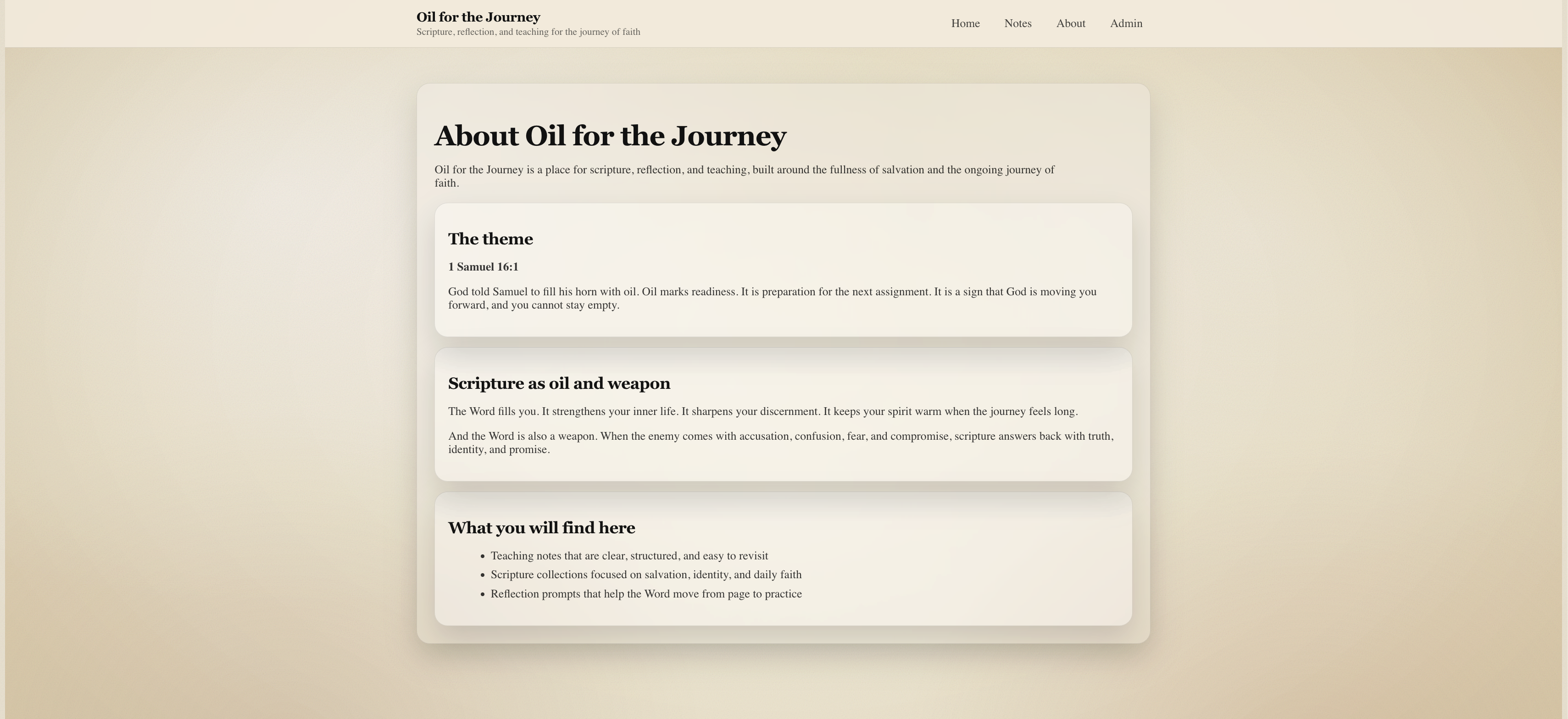
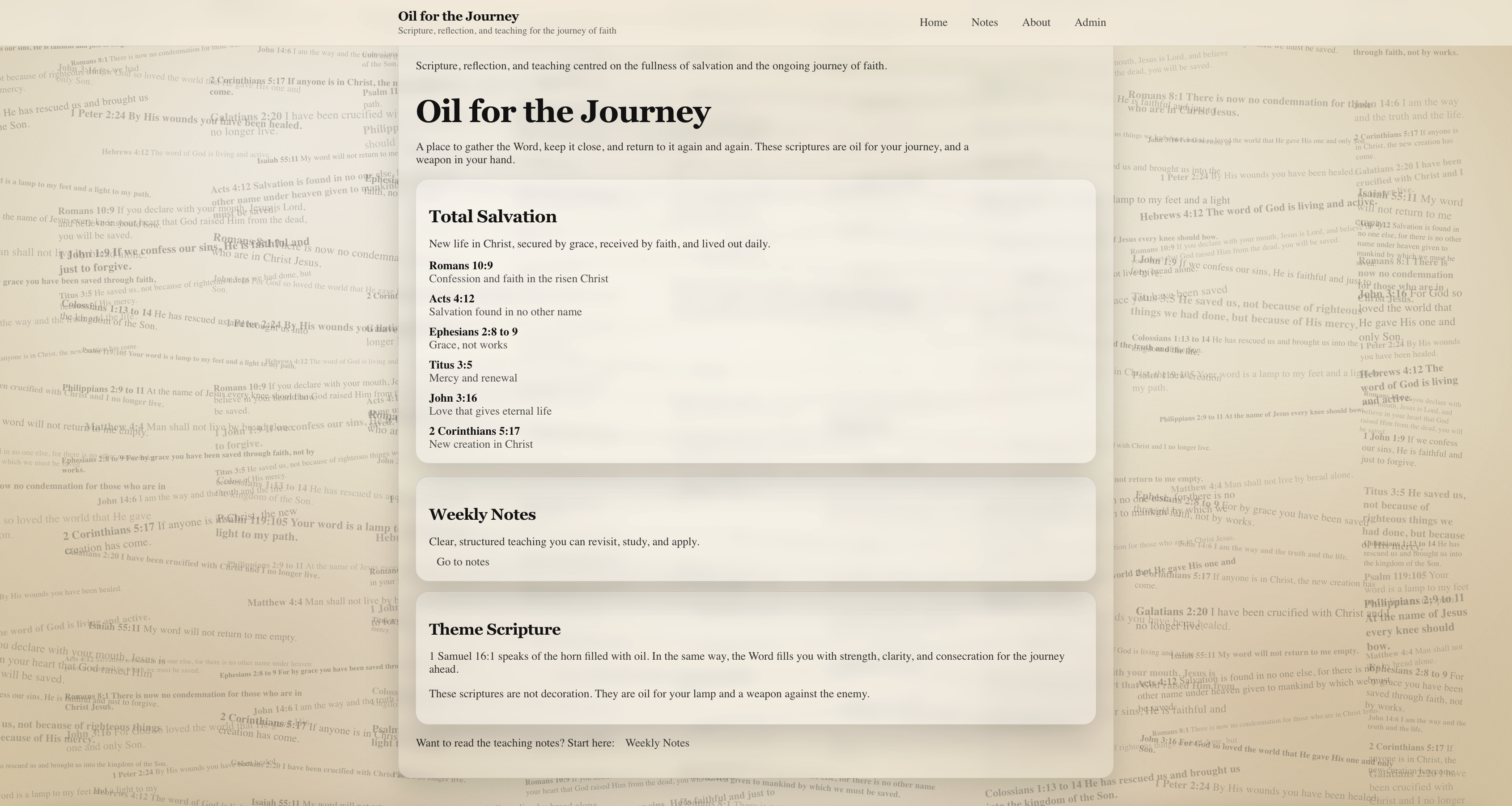
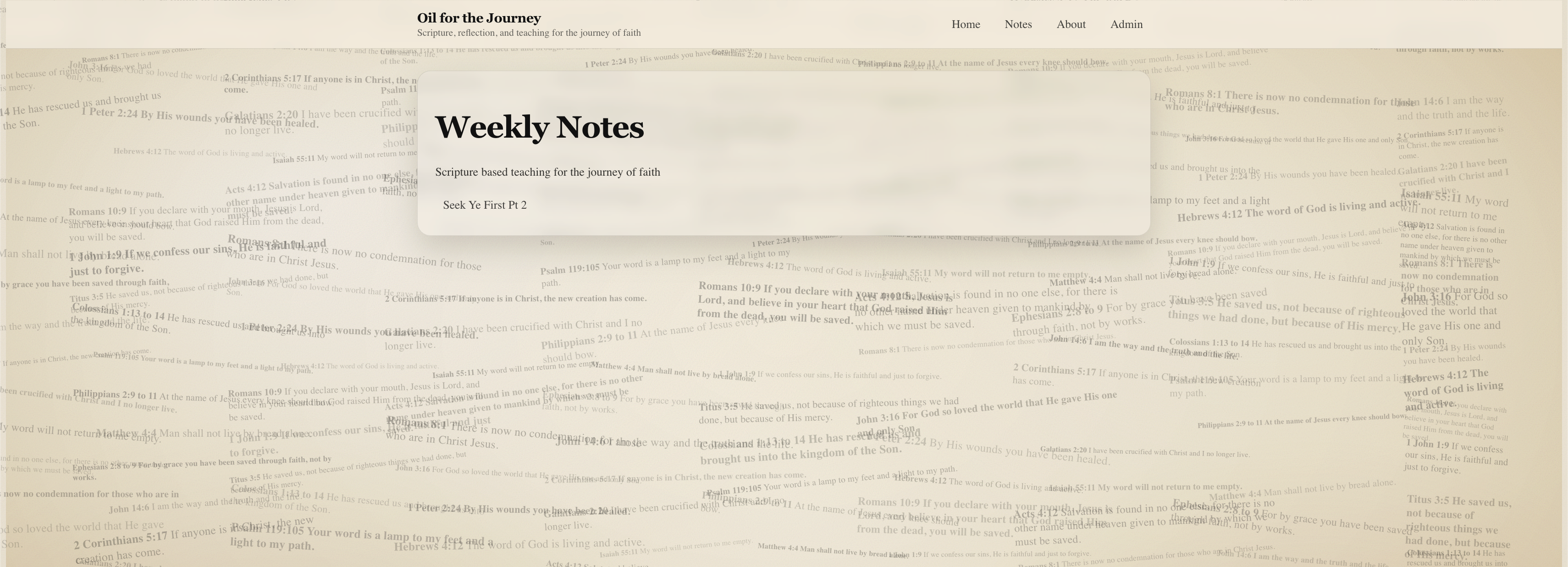
The homepage is designed to feel calm and readable, with content presented on paper style cards over a subtle textured background.
Overview
Most writing platforms optimise for engagement, speed, and visibility. That works for social content, but it creates friction for reflective writing where drafts need time and posts should be published on purpose.
I built Oil for the Journey to prioritise readability and ownership. It supports private drafting, controlled publishing, and a simple workflow that can evolve feature by feature without unnecessary complexity.
Challenge and solution
One challenge was keeping the reading experience calm while still supporting private admin workflows. I solved it by separating public and admin concerns in routing and component structure, which reduced UI noise for readers and made maintenance safer.
Problem statement
I wanted a platform that supports long form writing without turning it into a performance game. The core needs were private drafting, controlled publishing, and full ownership of content.
The biggest risk was building something that felt heavy or complicated to maintain. The platform needed to stay calm on the surface while being technically robust underneath.
Solution
Oil for the Journey is a full stack app with a clear separation between public content and admin only functionality. Notes can be created as drafts, edited over time, and published when ready, without relying on an external CMS.
The result is a distraction free reading experience for public users, with a private admin workflow that stays out of the way.
Key features
Admin workflow
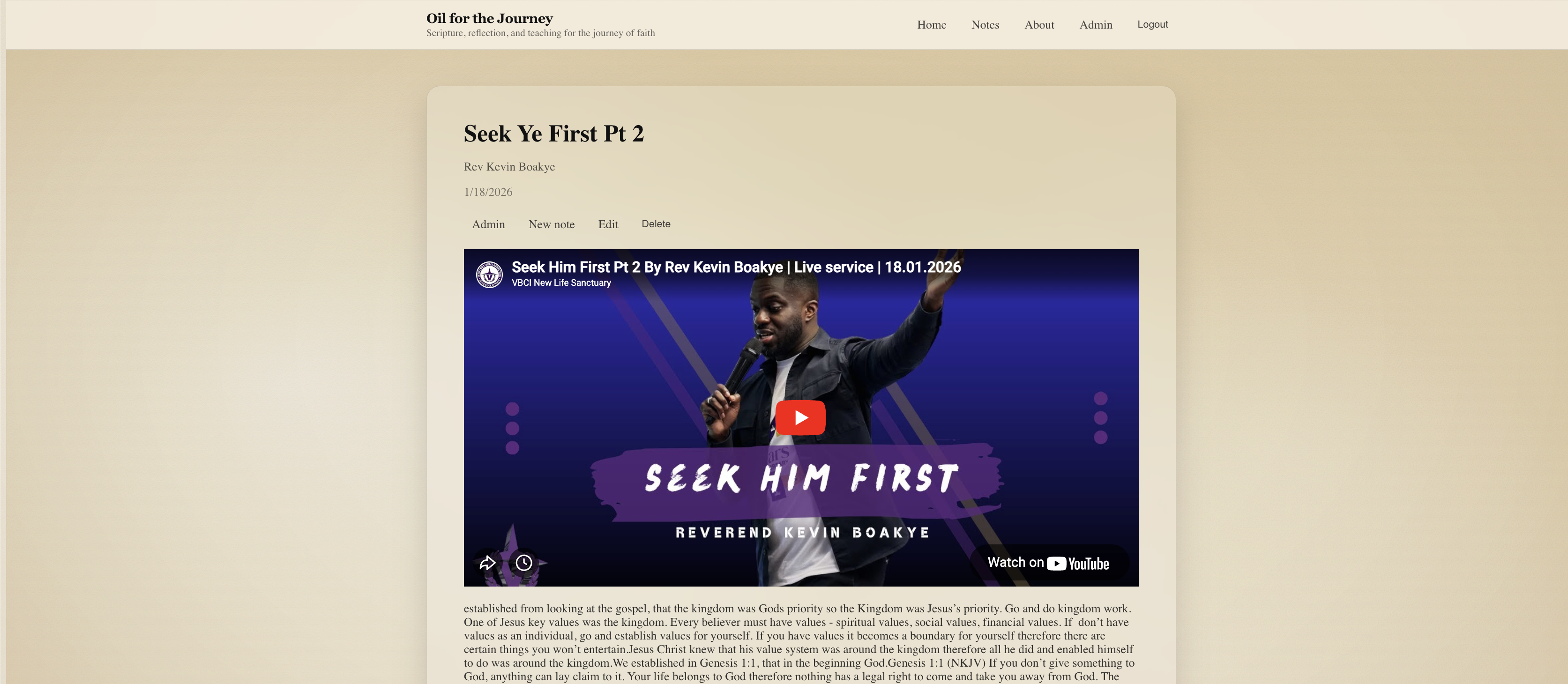
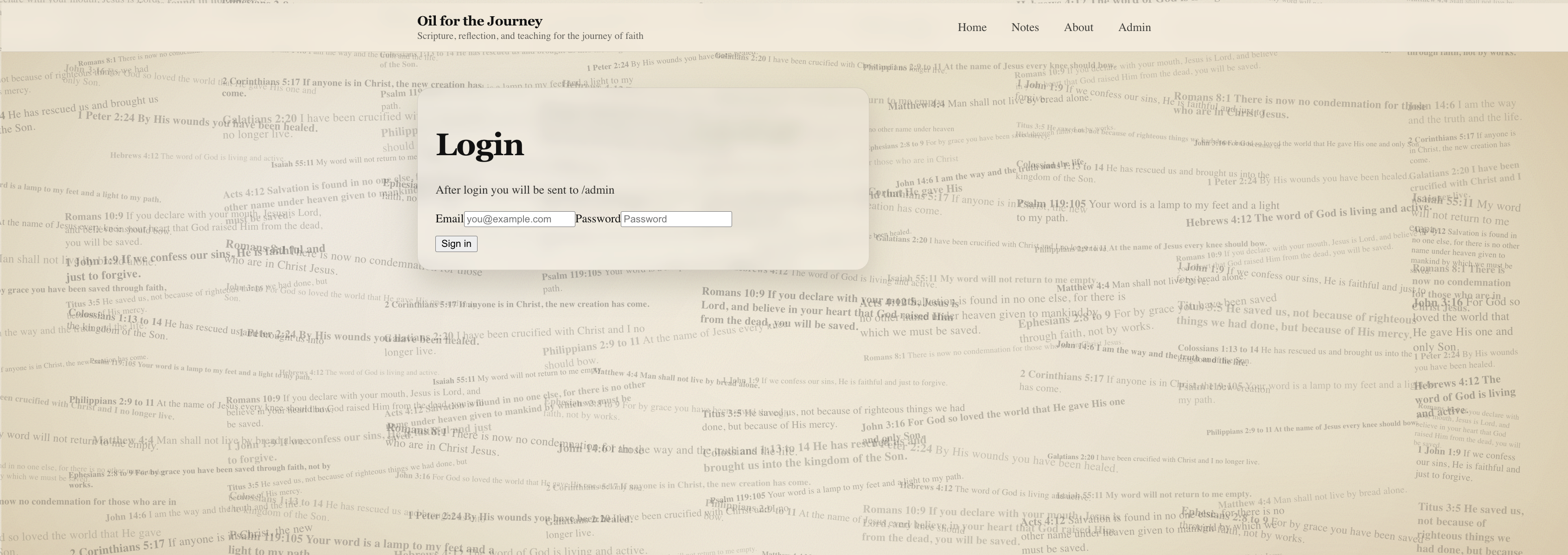
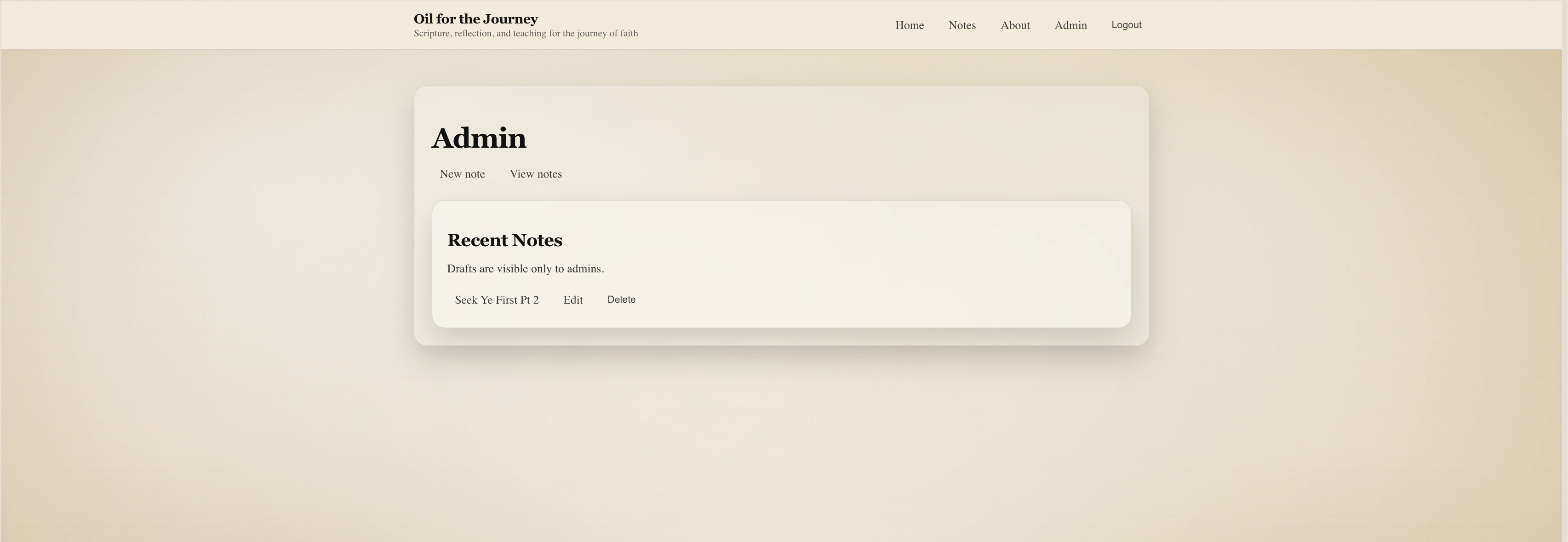
Secure admin access is handled with Supabase authentication. Admin controls are hidden from public users, but available immediately after login.
Drafts and publishing
Notes can exist as drafts or published entries. Drafts never show publicly, and publishing is a simple state change, not a separate content creation step.
Readability first design
Content is displayed on paper style cards with careful spacing, contrast, and typography so longer notes feel easy to read, especially on mobile.
Maintainable stack
Next.js App Router, TypeScript, Supabase, and Tailwind make it easy to iterate safely. Vercel deployment keeps environments and releases simple and repeatable.
Screenshots
These screenshots show the public reading experience and the admin workflow used to draft, edit, and publish notes.

What went well
- Clear separation between admin logic, public content, and layout styling made changes safer and debugging faster.
- Building features incrementally kept complexity under control and made it easier to spot issues early.
- Once environment variables were corrected, deployment became stable and repeatable on Vercel.
Challenges
- Supabase configuration required care around server and client environment variables across local and production builds.
- Text readability needed iteration to balance decorative backgrounds with strong contrast and spacing.
- Admin controls had to stay invisible to public users while still being discoverable for authenticated admins.
Lessons learned
Shipping incrementally reduced risk and kept the codebase easy to reason about. Readability turned out to be a technical problem too, because it depends on typography, spacing, and contrast working together across devices.
I also learned that environment configuration is part of the product. Once the Supabase and Vercel setup was correct, iteration became much faster.
Future improvements
The foundation is stable, so future features can be added without restructuring the app. Next steps include rich text editing, tags and categorisation, version history, soft delete, and a more polished admin dashboard.
Oil for the Journey is now a production deployed platform with secure admin access, draft and publishing workflows, and a clean reading focused UI. It shows my ability to build maintainable full stack products, debug real deployment issues, and design systems around how people actually work.